Clock and outdoor temperature

<?xml version="1.0" standalone="yes"?>

Clock

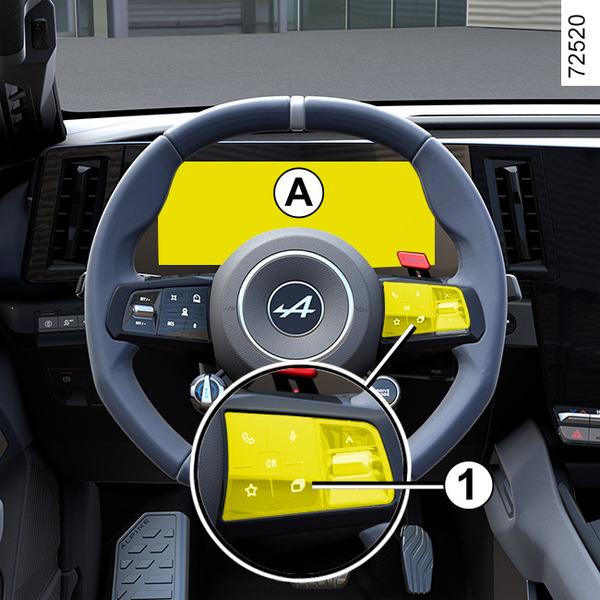
To access the time setting for the display A, with the vehicle stationary, press several times on button 4 or 5 until you reach the settings menu. Press and hold button 3, 4 or 5.

Chapter

Multifunction screen

<?xml version="1.0" standalone="yes"?>

warning

This function is an additional aid. It cannot, therefore, under any circumstances replace the vigilance or the responsibility of the driver.

The driver must always pay attention to the rules of the road.

Chapter

Vehicle settings personalisation menu

<?xml version="1.0" standalone="yes"?>

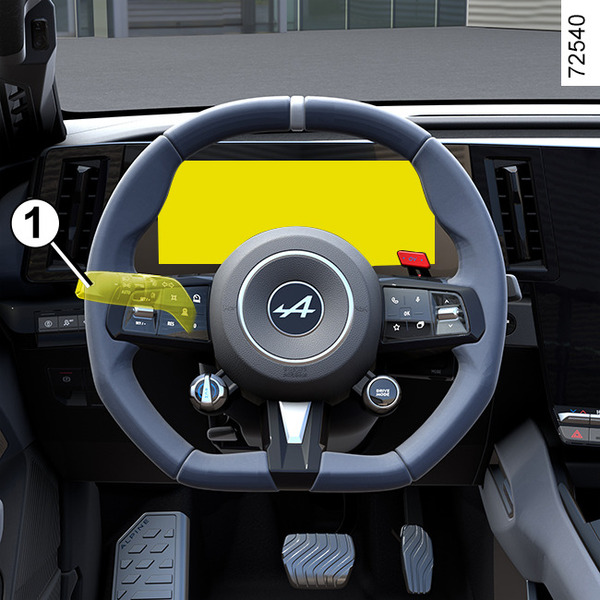
On equipped vehicles, this function, which is integrated into the trip computer 1, allows you to activate/deactivate and adjust some of the vehicle's functions.

Chapter

Displays and indicators

<?xml version="1.0" standalone="yes"?>

Instrument panel

It illuminates when the vehicle is unlocked.

Rev counter 1

(scale x 1,000)

Chapter

Warning messages

<?xml version="1.0" standalone="yes"?>

Examples of messages

Interpreting the display selected

« WARNING: Engine Failure Risk »

Chapter

Information messages

<?xml version="1.0" standalone="yes"?>

These can help in the vehicle starting phase, or give information about a selection or a driving status.

Examples of information messages are given in the following pages.

Chapter

Journey settings

<?xml version="1.0" standalone="yes"?>

The display of information shown below DEPENDS ON THE VEHICLE EQUIPMENT AND COUNTRY.

Chapter

General information

<?xml version="1.0" standalone="yes"?>

Trip computer A

Briefly press button 4 or 5 on the stalk 2 repeatedly to scroll upwards or downwards through the following information (the display depends on the vehicle equipment and country).

Chapter