Air conditioning: information and advice on use

<?xml version="1.0" standalone="yes"?>

Advice on use

In some situations (air conditioning off, air recirculation activated, ventilation speed at zero or low etc.), you may notice that condensation starts to form on the windows and windscreen.

If there is condensation, use the "Clear View" function to remove it, then use the air conditioning in automatic mode to stop it forming again.

Chapter

Automatic climate control

<?xml version="1.0" standalone="yes"?>

The controls

(depending on the vehicle)

1.

Automatic mode.

2.

Adjusting the air temperature.

3.

"Clear View" function.

Chapter

Parking distance control

<?xml version="1.0" standalone="yes"?>

Introduction

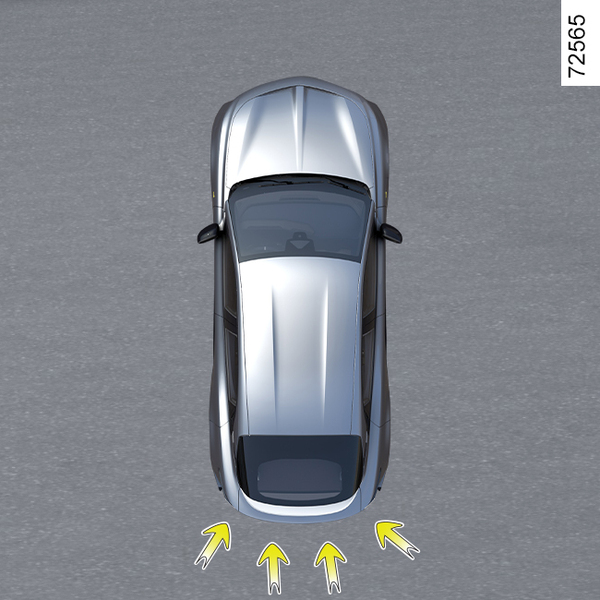
Ultrasonic sensors, indicated by arrows 1, are fitted in the bumpers to detect obstacles near the vehicle.

The function alerts the driver via audible signals and a display representing the area where the obstacle was detected.

Chapter

Reversing camera

<?xml version="1.0" standalone="yes"?>

Operation

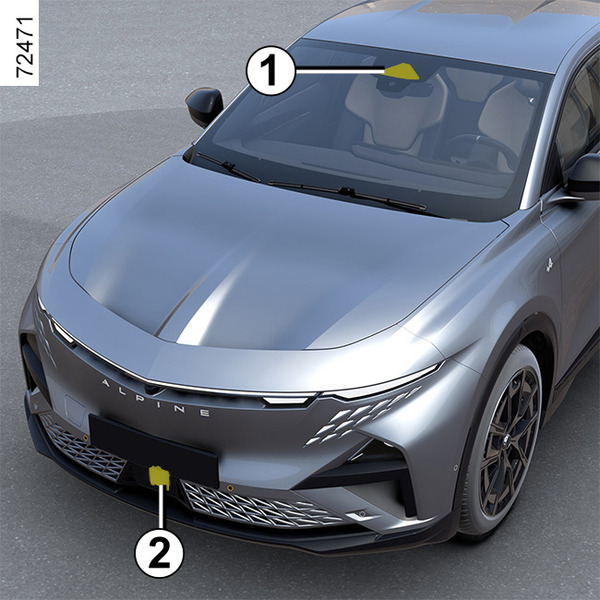
Depending on the equipment, when shifting into reverse gear, the camera 1 transmits a view of the area behind the vehicle to the multimedia screen along with, depending on the vehicle, a moving guide line and a fixed guide line.

Chapter

Cruise control

<?xml version="1.0" standalone="yes"?>

The cruise control function helps you to maintain your driving speed at a speed that you choose, called the cruising speed.

This cruising speed can be set at any speed above 19 mph (30 km/h).

Chapter

Speed limiter

<?xml version="1.0" standalone="yes"?>

The speed limiter function helps you stay within the driving speed limit that you choose, known as the limit speed.

Chapter