Music <?xml version="1.0" standalone="yes"?>IntroductionwarningFor safety reasons, carry out any adjustments while the vehicle is stationary.tipYou can change the audio source using the button on the steering column control. Chapter
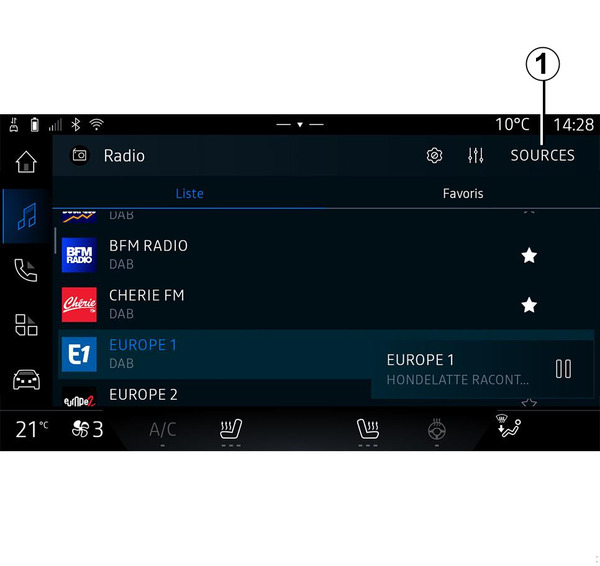
Listen to the radio <?xml version="1.0" standalone="yes"?>IntroductionwarningFor safety reasons, carry out these operations when the vehicle is stationary. Chapter
Navigation settings <?xml version="1.0" standalone="yes"?>"Settings" menuwarningFor safety reasons, carry out any adjustments while the vehicle is stationary. Chapter
Enter a destination <?xml version="1.0" standalone="yes"?>Enter a destinationwarningPrecautions regarding navigationUse of the navigation system does not in any way replace the responsibility or vigilance of the driver when driving the vehicle. Chapter
Map <?xml version="1.0" standalone="yes"?>MapwarningFor safety reasons, carry out any adjustments while the vehicle is stationary. Chapter
Using voice recognition <?xml version="1.0" standalone="yes"?>IntroductionYour multimedia system has a voice recognition system: Chapter
Add, manage widgets <?xml version="1.0" standalone="yes"?>IntroductionwarningFor safety reasons, carry out any adjustments while the vehicle is stationary.tipWidget configuration is linked to the profile. If the profile changes, the widgets display changes too. Chapter