ALPINE MULTIMEDIA SYSTEM
Switching on

The multimedia system starts:
- when the vehicle is started;
- by pressing briefly on the control 1 on the multimedia panel or the central control.
Switching off
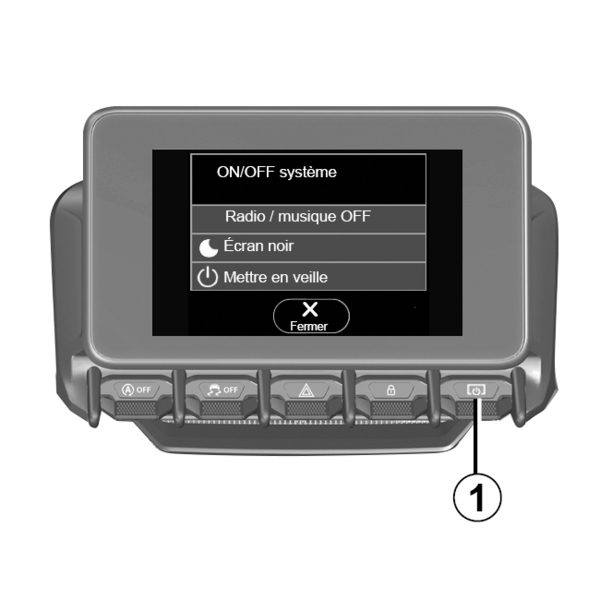
The multimedia system can be switched off:
- by pressing briefly on the control 1 on the multimedia panel or the central control, you can:
- switch off the radio/music;
- switch off the screen;
- Stand-by.
- when the opening elements of your vehicle are locked.
Time/date screen
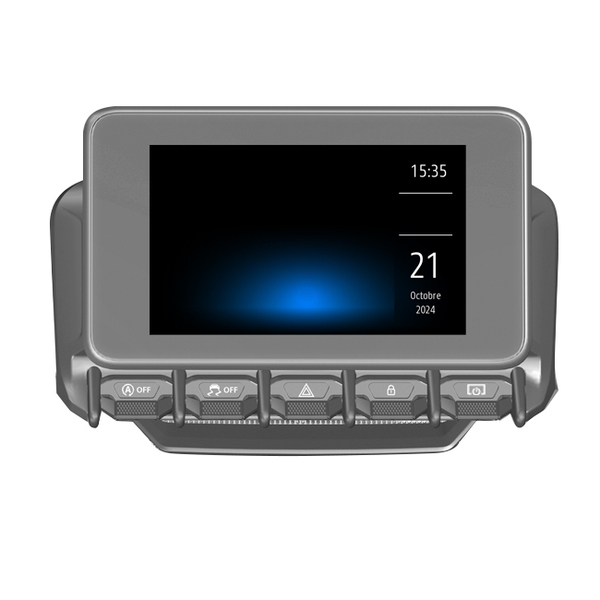
This screen is displayed when you select the "Stand-by" function.