Air vents: air outlets

<?xml version="1.0" standalone="yes"?>

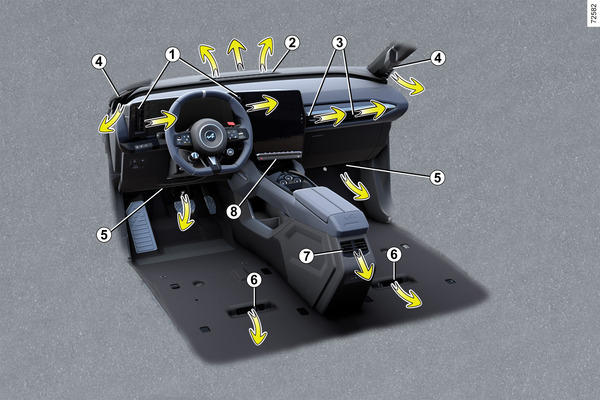
Air outlets

1.

Driver’s position air vents.

2.

Windscreen demisting vent.

Chapter

DRIVE MODE

<?xml version="1.0" standalone="yes"?>

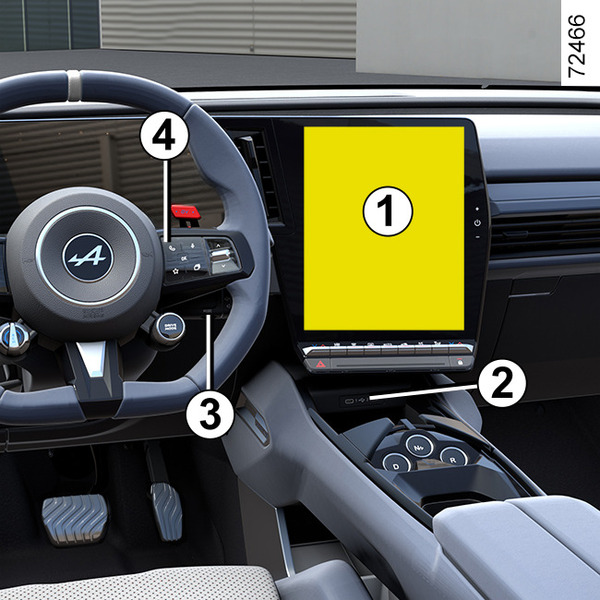
Depending on the vehicle, the DRIVE MODE system enables you to choose from several driving modes that affect the driving, ambient lighting, comfort and driving position:

Chapter

Emergency call

<?xml version="1.0" standalone="yes"?>

Introduction

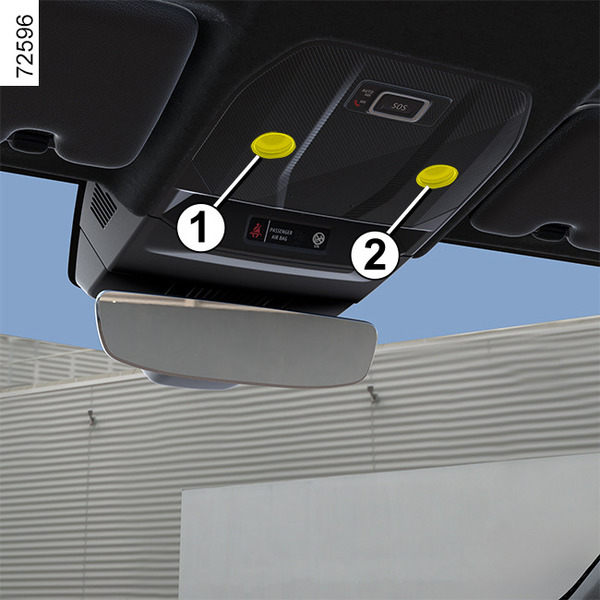
If the vehicle is equipped, the emergency call function can be used to call the emergency services (without charge) automatically or manually in the event of an accident or illness, reducing the time it takes for the emergency services to arrive.

Note: the emergency call function is operational:

Chapter

Safe passenger exit

<?xml version="1.0" standalone="yes"?>

Description

This function is an additional driving aid for the safety of the occupants of the vehicle.

Chapter

Parking exit warning

<?xml version="1.0" standalone="yes"?>

Introduction

Using information from the radars installed on each side of the rear bumper (zone A), the system warns the driver when another vehicle appears in the detection zone B.

The function is activated if:

Chapter

Hands-free parking

<?xml version="1.0" standalone="yes"?>

Introduction

As indicated by the arrows 1, the ultrasonic detectors installed in the vehicle bumpers help to find accessible parking spaces and assist the parking manoeuvre.

Remove your hands from the steering wheel, you only control:

Chapter

Parking distance control

<?xml version="1.0" standalone="yes"?>

Introduction

Ultrasonic sensors, indicated by arrows 1, are fitted in the bumpers to detect obstacles near the vehicle.

The function alerts the driver via audible signals and a display representing the area where the obstacle was detected.

Chapter