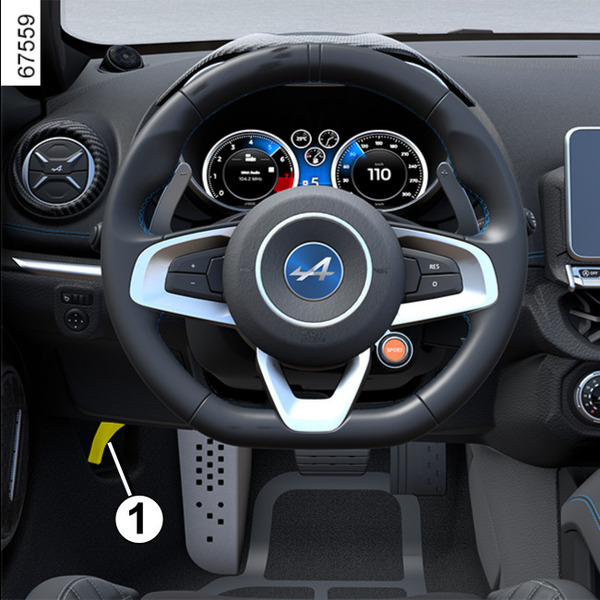
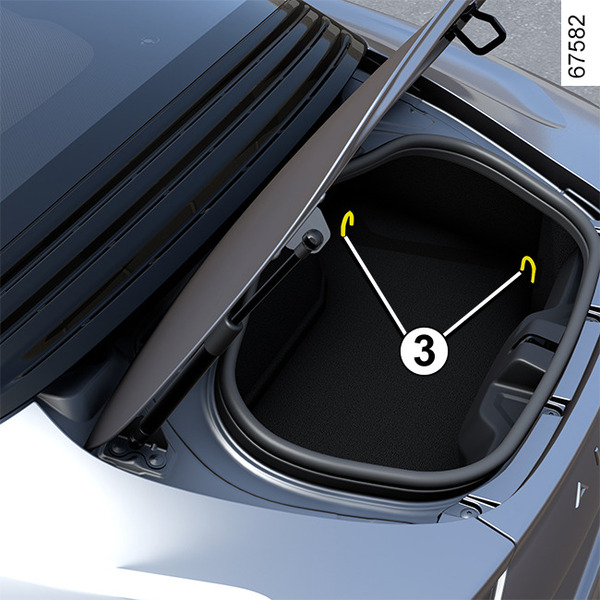
Bonnet <?xml version="1.0" standalone="yes"?> To open, pull the handle 1 located on the left-hand side of the dashboard.Unlocking the bonnet catchPush the tab 3 towards the left as you open the bonnet. Chapter
Luggage compartment storage <?xml version="1.0" standalone="yes"?>Transporting objects in the luggage compartment tipPermitted load in the luggage compartment: 40 kg evenly distributed. Chapter
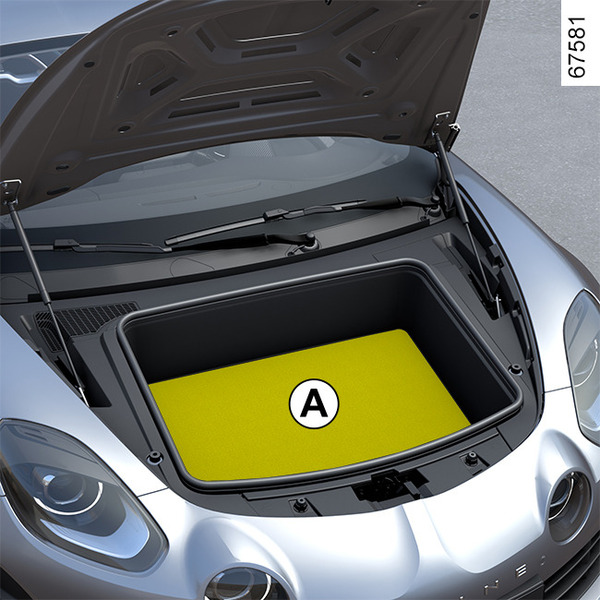
Storage compartment under the bonnet <?xml version="1.0" standalone="yes"?>Storage compartment A under the bonnet To access the storage compartment A, open the bonnet.To open and close the bonnet, see "Bonnet" in Section 4. Chapter
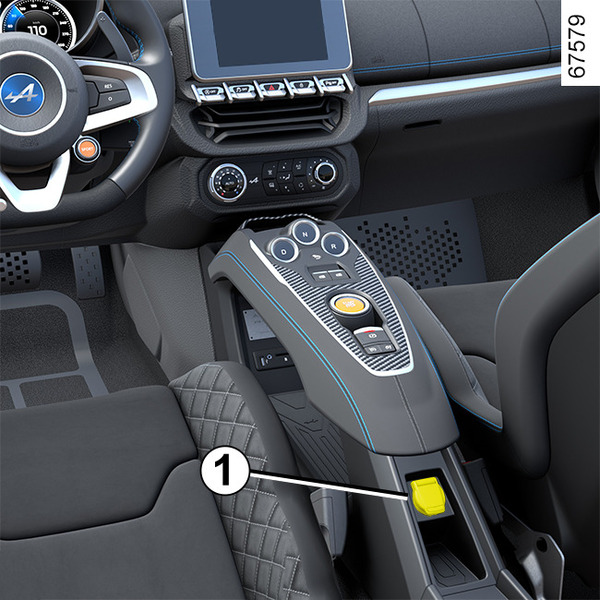
Passenger compartment storage, fittings <?xml version="1.0" standalone="yes"?>Storage compartment 1 Chapter
Accessories socket <?xml version="1.0" standalone="yes"?> You can use socket 1. It is provided for connecting accessories approved by our Technical Department.warningConnect accessories with a maximum power of 120 watts (12 V) only. Chapter
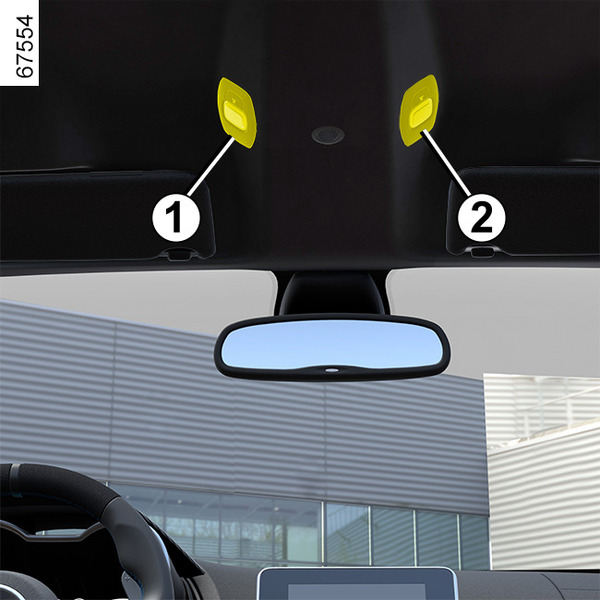
Interior lighting <?xml version="1.0" standalone="yes"?>Courtesy light The lights 1 or 2 switch on when one of the doors are opened. The lights only switch off when the doors concerned have been closed correctly after a time delay. Chapter
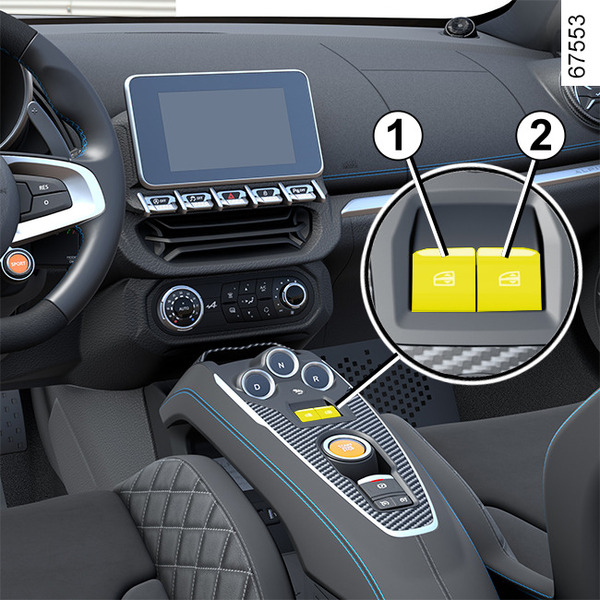
Electric windows <?xml version="1.0" standalone="yes"?>Electric windows Briefly press or pull on switch 1 or 2 as far as it will go: the window will fully open or close. Pressing the switch again stops the window moving.From the driver's seat, use switch: Chapter